Settings overview
Settings is one place for how your business is set up. Only admins see it. Each page has one job; the setup guide shows the same cards.
Where Settings are
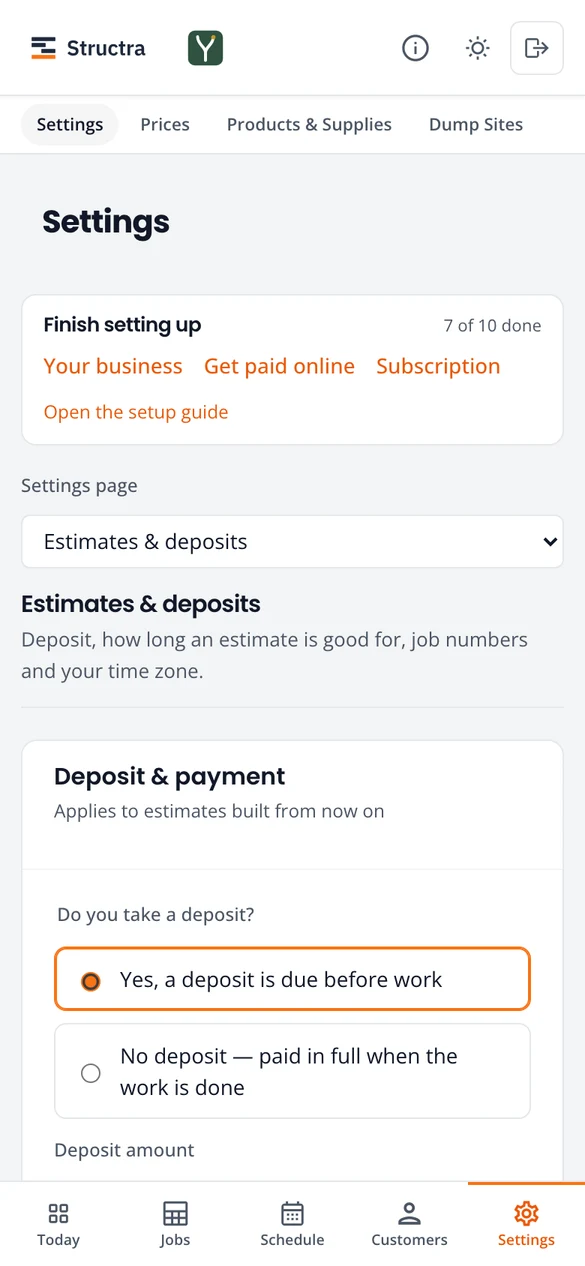
Press the Settings tab. The pages are listed down the left in six groups (on a phone, pick one from theSettings page list). Until setup is done, a Finish setting up card at the top links to what is left.
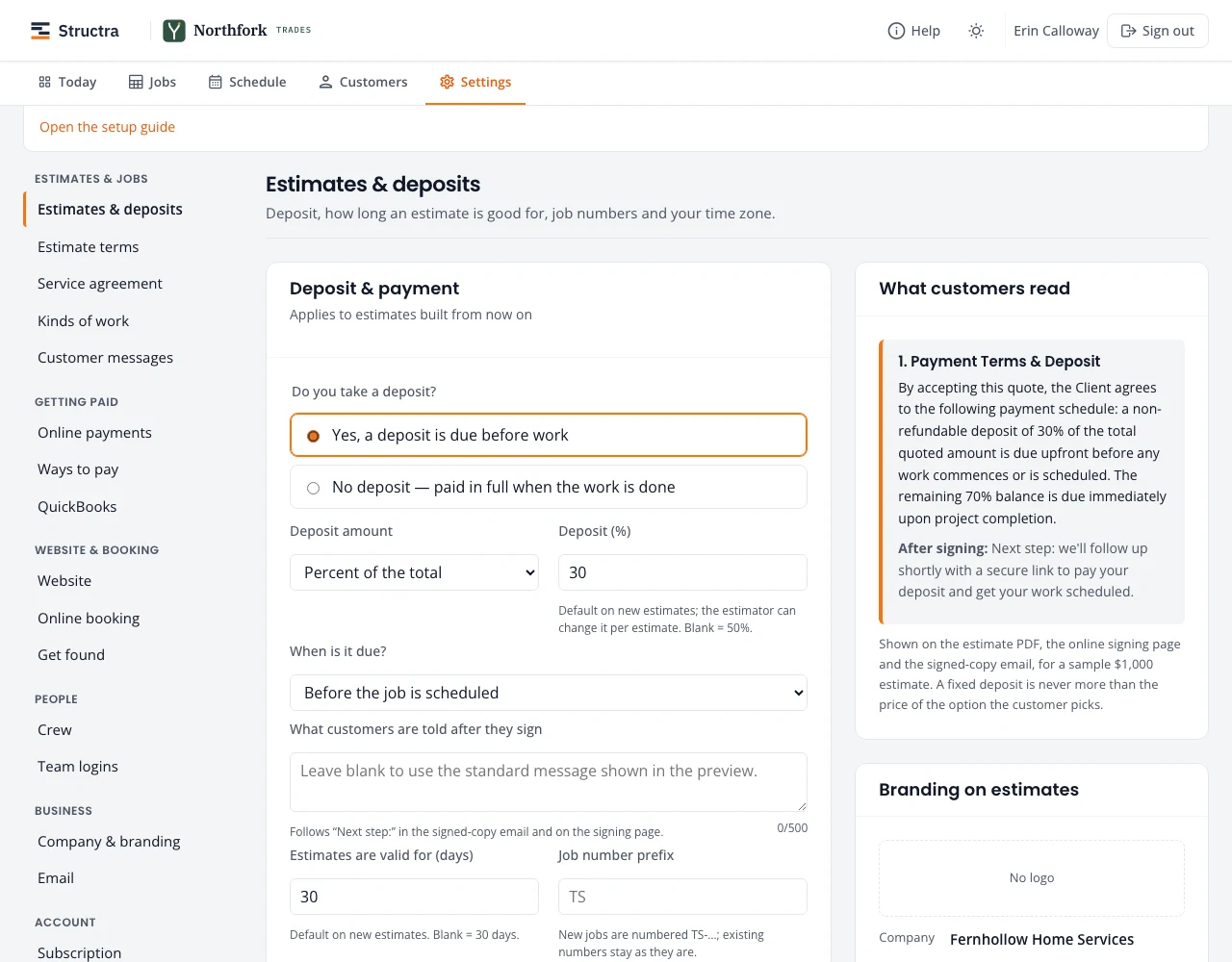
Every Settings page
| Group | Page | What it sets |
|---|---|---|
| Estimates & jobs | Estimates & deposits | Deposit, how long estimates are valid, job numbers, time zone, budget plans |
| Estimates & jobs | Estimate terms | The terms printed on every estimate |
| Estimates & jobs | Service agreement | Whether customers sign an agreement after the estimate |
| Estimates & jobs | Kinds of work | The trades you do |
| Estimates & jobs | Customer messages | Appointment emails, review requests, weather warnings |
| Getting paid | Online payments | Stripe, card fees, sales tax |
| Getting paid | Ways to pay | Venmo, Zelle, cash, check and others |
| Getting paid | QuickBooks | Paid invoices added to your books |
| Website & booking | Website | Your business website, its services and search title |
| Website & booking | Online booking | Booking page, website keys, requests from people nearby |
| Website & booking | Get found | Google, Facebook and Nextdoor, step by step |
| People | Crew | One record per crew member: pay, texts, sign-in, hours; equipment |
| People | Team logins | Everyone who signs in |
| Business | Company & branding | Name, logo, colors, letterhead |
| Business | Who customer emails come from, replies, what was sent | |
| Account | Subscription | Your plan and billing |
| Account | Signed-in devices | Devices that stay signed in |
Prices, products and dump sites
The second row under the Settings tab has Prices, and, if your kinds of work use them, Products & Supplies and Dump Sites. See Prices, products and dump sites.
Stuck on something? Email support@northforktrades.com and tell us what you were trying to do.