Jobs and the job page
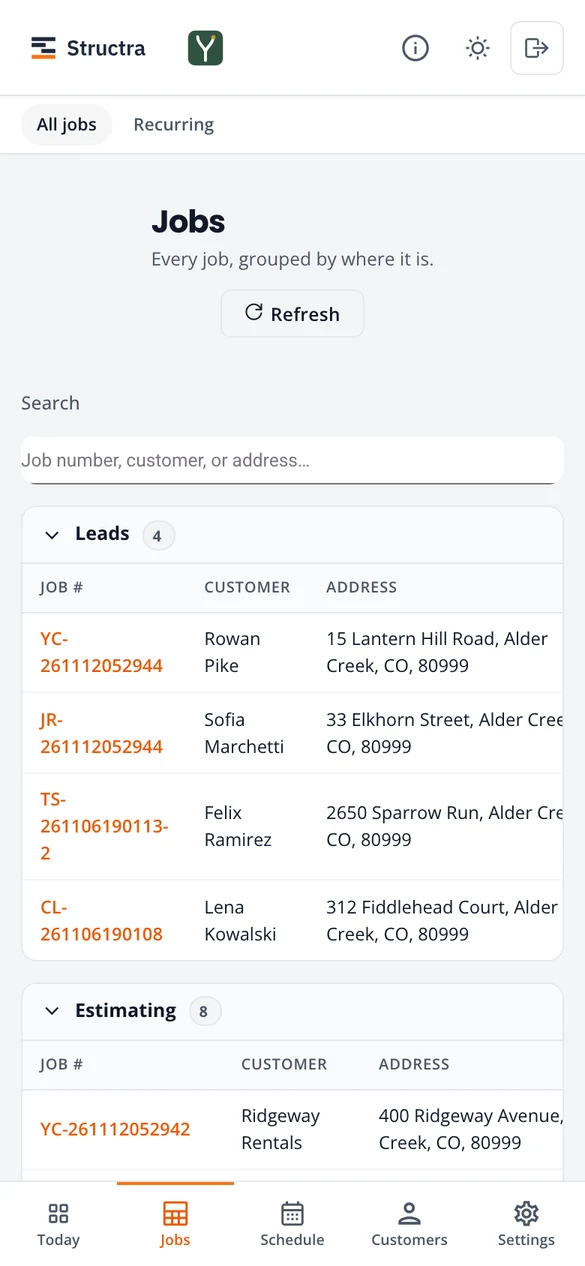
Jobs lists every job grouped by where it stands. Open one and its page shows a single next step, so you never have to work out what comes next.
All jobs
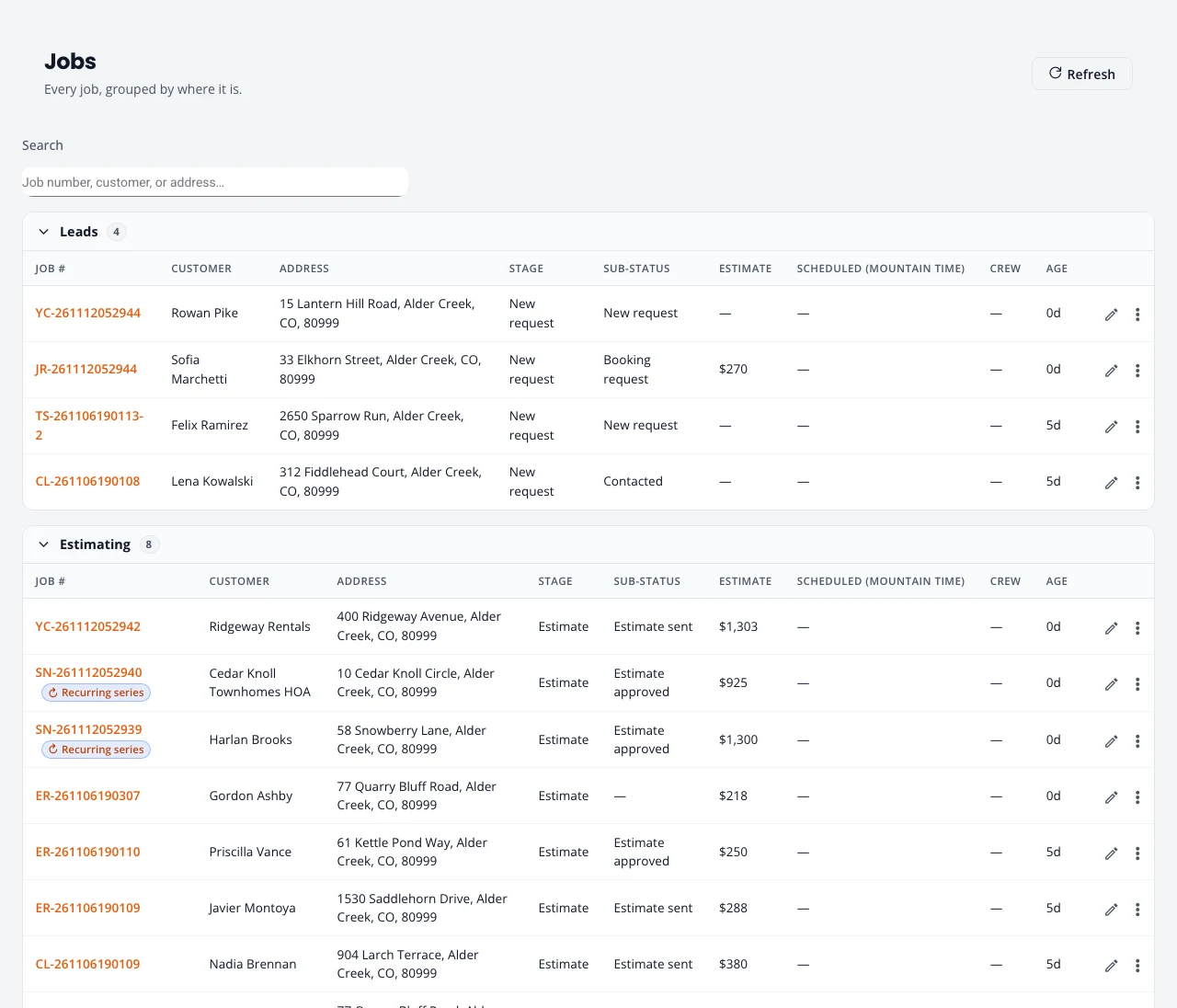
Jobs are grouped from first contact to done:
- Leads: requests with no price yet.
- Estimating: estimates being written, sent, or approved.
- Booking: signed, waiting for a deposit or a date.
- Scheduled and In Progress: on the calendar, or the crew is on the way or on site.
- Completed & Billing, then Closed once paid.
- Lost / Cancelled and Expired & declined estimates, folded away at the bottom.
Search by job number, customer or address. A Repeats tag marks a visit from recurring service. The pencil edits the estimate; the three dots hold the other actions. Press a job number to open its page.
The job page
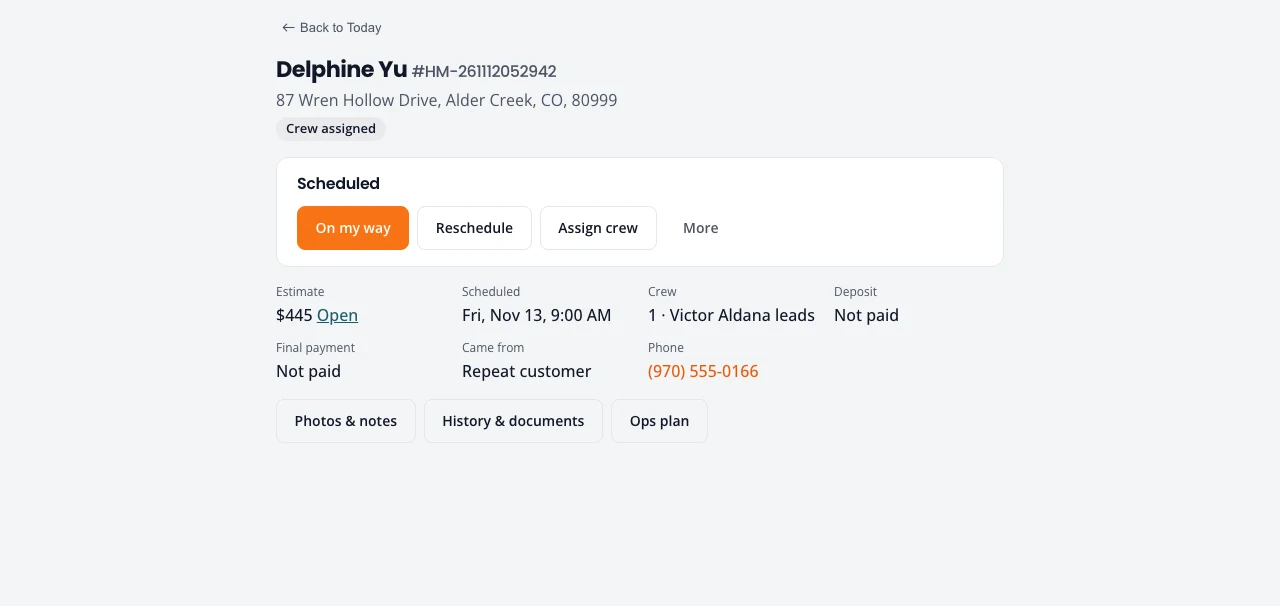
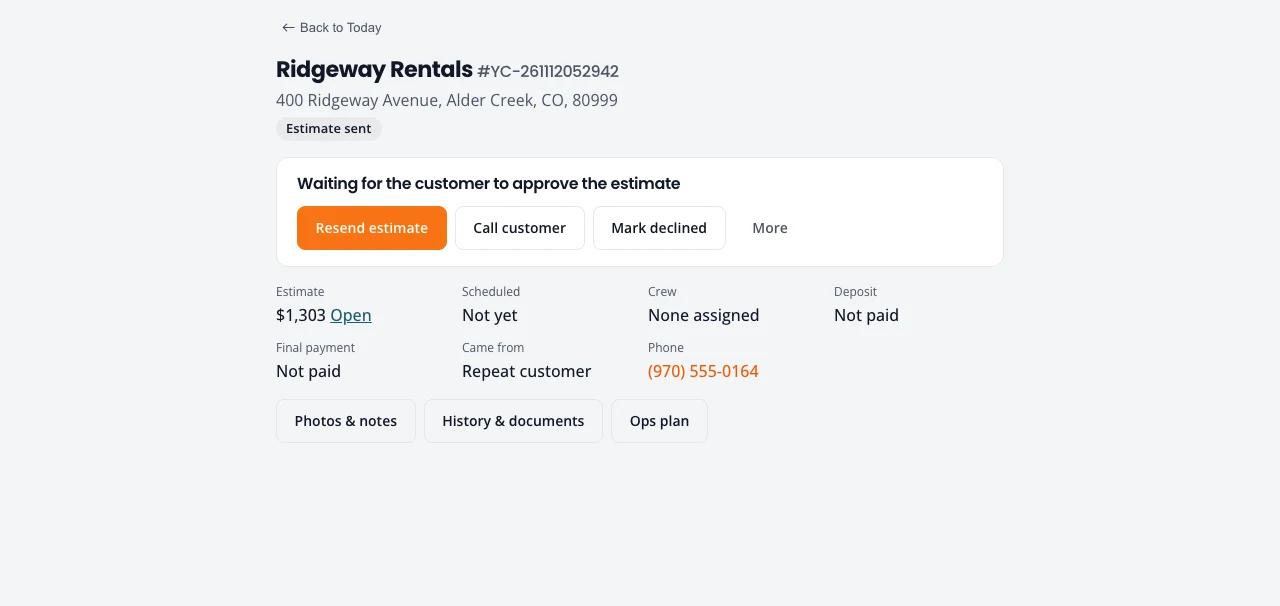
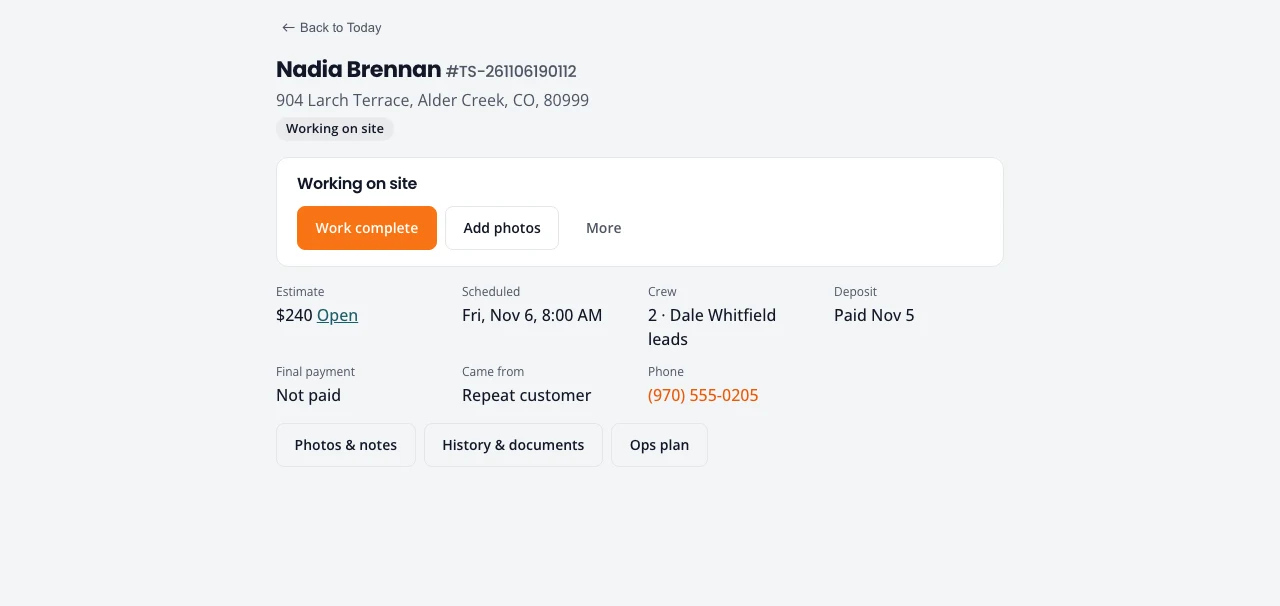
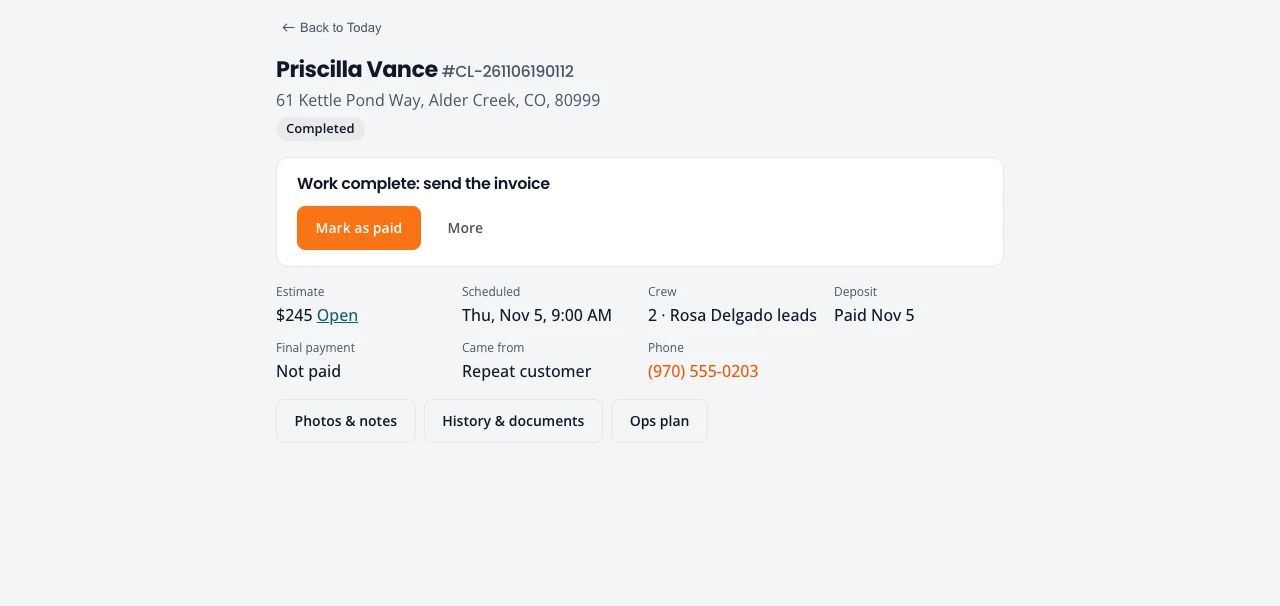
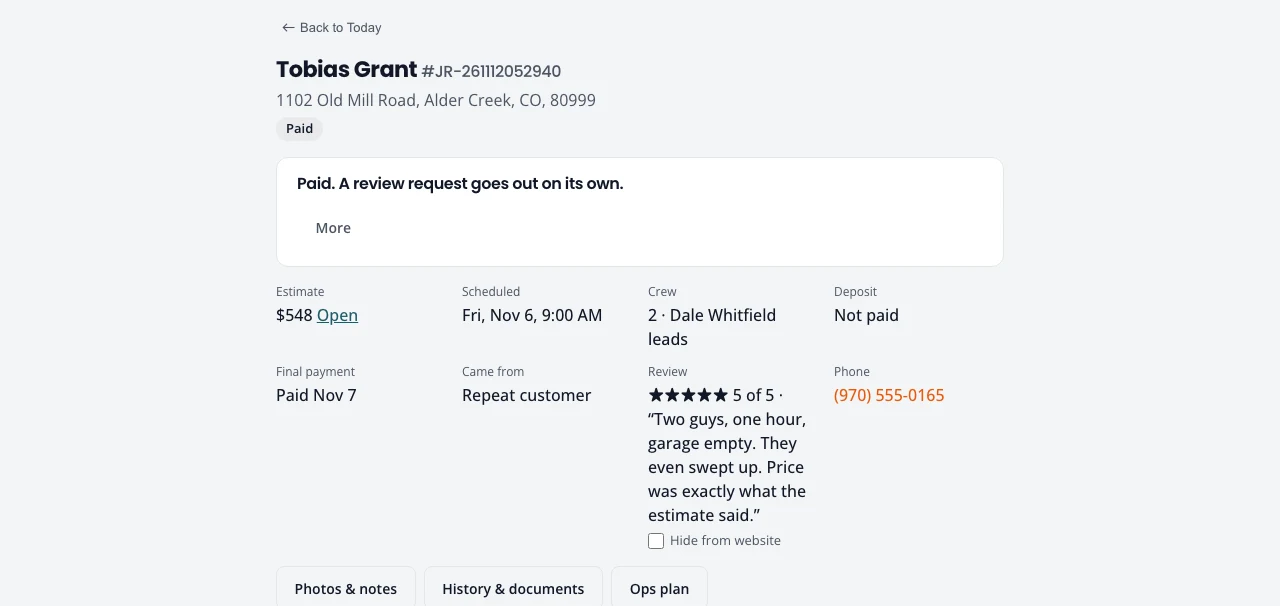
At the top: the customer, address, job number and where the job stands. Under it, one card with the next step: the main button in orange, at most two other buttons, and everything else under More. Below that, the facts: estimate, scheduled time, crew, deposit, final payment, where the job came from, and the phone number.
The next step, state by state
| Where the job is | Main button | Also offered |
|---|---|---|
| New request | Write estimate | Call customer, Not a fit |
| Estimate not finished | Finish estimate | Send estimate |
| Estimate ready | Send estimate | Edit estimate |
| Waiting for the customer to approve | Resend estimate | Call customer, Mark declined |
| Approved, agreement to sign (if you use one) | Send agreement | Schedule |
| Deposit owed | Request deposit | Mark as paid, Schedule anyway |
| Ready to schedule | Schedule | Assign crew |
| Scheduled | On my way | Reschedule, Assign crew |
| On the way | Started | Add photos |
| Working on site | Work complete | Add photos |
| Work complete | Send invoice (with online payments) or Mark as paid | Mark as paid |
| Invoice sent | Request payment | Mark as paid, Call customer |
| Paid | None. A review request goes out on its own. | |
| Declined or expired | Reopen estimate |
Photos, notes and history
- Photos & notes: take or upload photos and write notes. On a phone with no signal they are kept and sent later.
- History & documents: every step the job went through, the estimate PDF, the signed copy and emails sent.
- Ops plan: hours, crew size and line items for the crew. See Crew capacity.
Stuck on something? Email support@northforktrades.com and tell us what you were trying to do.