Northfork Trades user guide
How to run your day in Northfork Trades, from a customer’s first call to a signed estimate, a job on the calendar and a repeat visit. Written for owners and office staff of small trade businesses: tree care, cleaning, engine repair, snow removal, junk removal, yard care, handyman work and holiday lighting.
How a job flows
- A request comes in from your booking page, your website, a call, or someone nearby. See Requests and leads.
- You price it from your own list. See Estimates.
- The customer signs and pays online. No account, no app. See Getting paid.
- It goes on the schedule with a crew, who run the day from their phones. See Schedule and crew.
- You invoice, get paid, and the customer is asked for a review. See Customers and reviews.
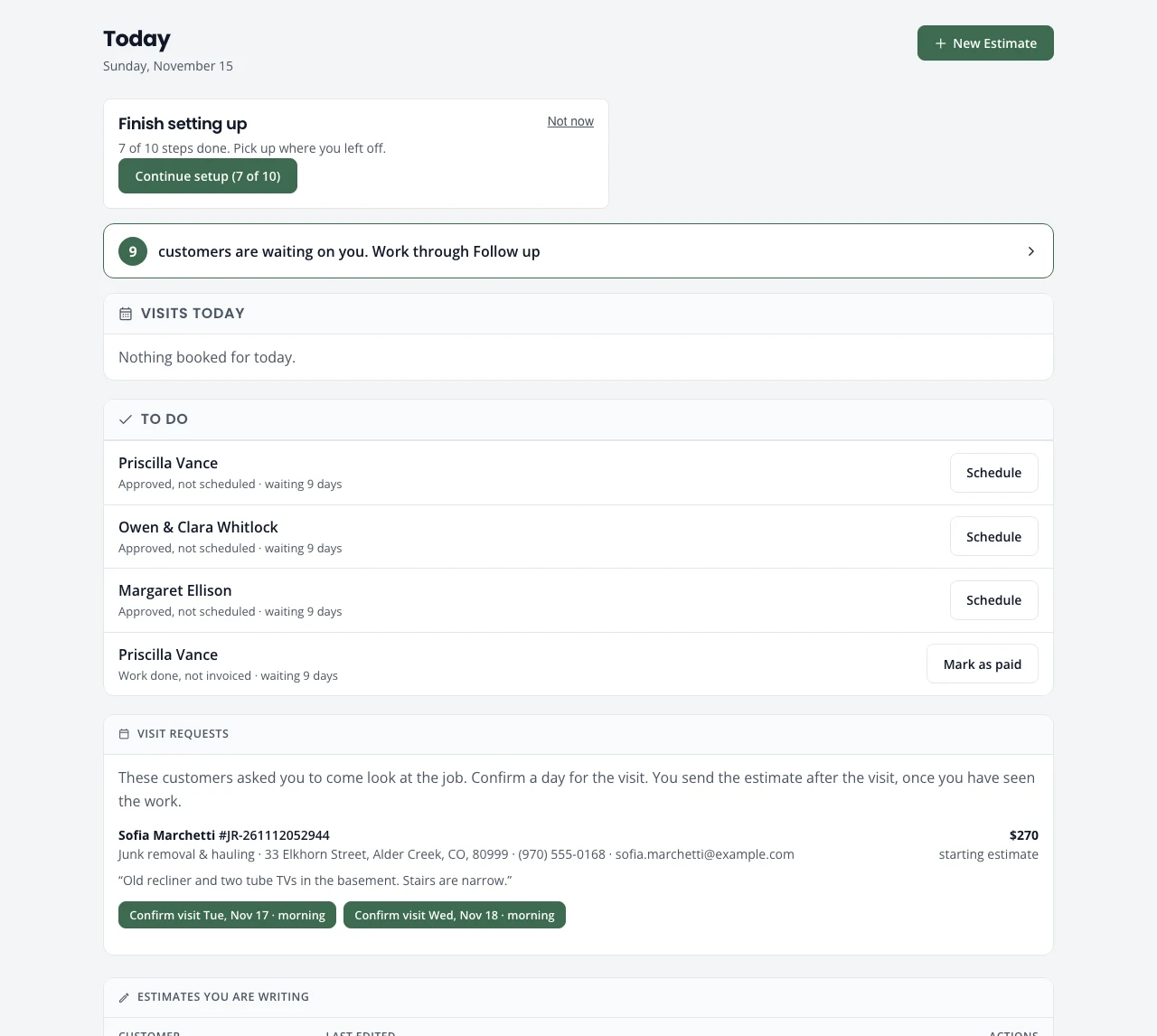
Select any picture in this guide to open it full size.
Start here
- Sign up and sign inStart a free trial or claim the account we set up for you, pick your kinds of work, and sign in with a code.
- The setup guideThe ten setup steps, one at a time: what each asks, what you can skip, and what it changes.
- Finding your wayThe five tabs (Today, Jobs, Schedule, Customers, Settings), the phone bar, and who sees what.
Every day
- Today, Follow up and NumbersYour day on one screen, the customers waiting on you, and how the business is doing.
- Requests and leadsOnline bookings, your website form, phone calls, and open requests from people nearby.
- EstimatesBuild a price from your own list, send it, and get it signed online.
- Jobs and the job pageEvery job grouped by where it stands, and the one next step each job page shows.
- Schedule and crewThe calendar, assigning crew, crew capacity, and the schedule on a phone.
- Recurring serviceSet up repeat visits, then move, skip, pause or end them. Photos go to the customer when a visit is done. Budget plans for an even monthly payment.
- Getting paidDeposits and invoices online through Stripe, a card on file for plan visits, budget plans, other ways to pay, Mark as paid, refunds and QuickBooks.
- Customers and reviewsFind a customer and their jobs, and the review requests sent after they pay.
Settings
- Settings overviewEvery Settings page in one list, and where each is explained.
- Estimates & jobs settingsDeposit, estimate terms, service agreement, kinds of work and customer messages.
- Prices, products and dump sitesYour price list, difficulty tiers, cleaning products and the dump sites you use.
- Website, booking and Get foundYour business website, online booking, requests from people nearby, and getting on Google.
- Crew and team loginsOne record per crew member: pay, texts, sign-in, work days, hours and days off. Plus office logins.
- Business and accountBusiness name, logo and colors, customer email, subscription and signed-in devices.
Guides by trade
- Tree careTree packages, site conditions, climbers, slash and dump sites, from request to review.
- CleaningPricing by home condition, product lines, and recurring cleans, from request to review.
- Snow removalSeasonal customers, storm days, the heads-up text, the snow route on a phone, and SKIP replies the driver confirms.
- Junk removal and haulingPricing by the load, dump sites with fees and hours, and the haul from request to review.
- Yard care and cleanupOne-time cleanups and weekly mowing, green waste and dump sites, from request to review.
- HandymanSmall jobs priced by the task or the hour, change orders, from request to review.
- Holiday lightingRoofline, trees and extras from one list, priced by roof size, with a deposit to order the lights.
- Engine repairDrop-off repairs: build your own catalog, quote one total, call when it is ready.
Help
New here? Do these first
- Work through the setup guide: kinds of work, your business, prices and deposit, getting paid, subscription.
- Check your prices.
- Add your crew and their hours.
- Send yourself a test estimate and sign it on your phone.
- Put your booking link on Google with Get found.
Can’t find what you need? Email support@northforktrades.com and tell us what you were trying to do.